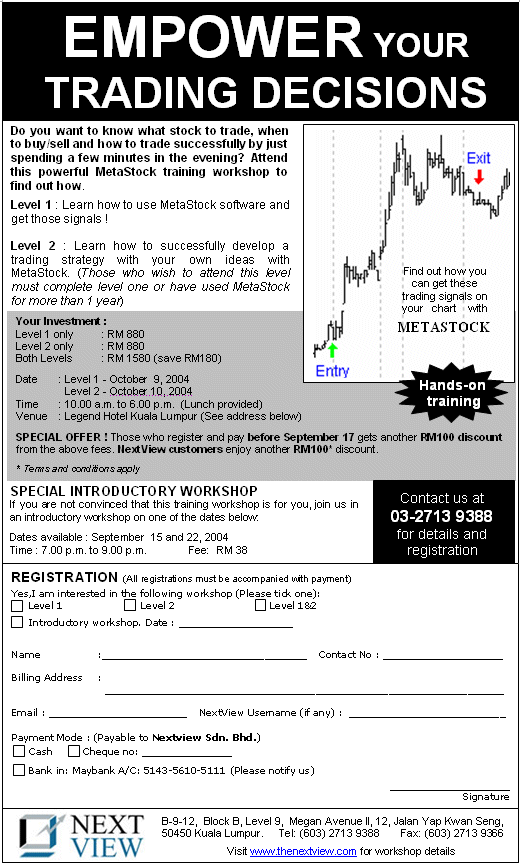
MetaStock Training Workshop Level I
An entry level for those who just started/have not used MetaStock software before.
Entry requirements : MetaStock software and basic technical analysis. For those who do not have the software, a temporary copy will be installed on the training day.
Getting to around the charts
Opening, Saving your work on a chart
Changing Properties on the chart
Navigating the chart
Working with Technical Indicators
Learn how to apply and modify technical indicators
Making chart analysis easier with templates
Working with Line Studies
Learn how to apply line studies such as trend lines, Fibonacci retracements, etc and changing their properties.
Learn further technical analysis with Expert Advisor
The Expert Advisor is a powerful feature that gives you visual display on the chart based on some powerful techniques and day to day commentary. Learn how a technique is interpreted and used.
Explore/filter out stocks that meet some criteria
There are hundreds of stocks to trade in the KLSE, which one do you trade? The MetaStock Explorer filters out for you stocks that meets certain criteria and these criteria is available on the software itself. Therefore, you will have a list of potential stocks to trade.
Back test some of the trading strategies and how to read the report
Try some of the trading strategies available and find out how they work. Identify a good trading strategy by looking at the reports and start to implement them. This is where you will get your buy and sell signals.
Put it all together and know how, what and when to trade.
MetaStock Training Workshop Level II
An intermediate/advanced level for those who wants to build own strategies/techniques.
Entry requirements : Completed MetaStock Training Workshop Level I or at least one year experience using the MetaStock software.
The Indicator Builder
Learn some important formulas to create your own Indicator, Trading system, Explorer and Expert Advisor.
Learning to write an Indicator
Learn how to incorporate your charting ideas into MetaStock and display them on the chart .
Building a Trading Strategy/System
Learn how to correctly build a successful trading strategy. An example strategy used by the speaker will be shared. Participants will be taught how to build a strategy step-by-step, including back-testing and optimization, which is not covered in the MetaStock Help manual.
Building an Explorer
Build a filter/explorer based on the trading strategy you build. Again the speaker will share with you some of the important Explorations that a trader must have, and it is not available anywhere.
Visualize your strategy on the chart
Display you strategy buy and sell signals on your chart, without trying to stress your eyes on the indicator lines. All a trader needs is a buy and sell signal.
Put it all together and have a better trading strategy than the ones in MetaStock!